
18 Jun 2026
- no more popup error windows at startup.
- macOS: user path permission problem in Audio Unit Host Sandboxing solved.
- macOS: workaround UI issues with Apple Logic Pro / Garage Band on Apple Silicon.


$4.99
wide range of Phrases
Single patches
Combination patches
for musical inspiration.
Total 128 patches.

$4.99
32 x Lead Synths
32 x Bass Synths
32 x Fast Synths
32 x Slow Synths
Total 128 patches.
$4.99
64 x Lead Synths
64 x Organs
Many various layered sounds.
84% Combi patches.
Total 128 patches.

$4.99
16 x Pianos & Organs
22 x Bells & Percussions
23 x Arpeggiators
and various game sounds etc.
Total 128 patches.
Crashed or Wrong note played
If you installed Purity in Installer’s directions directory/folder,
this is serials wrong inputted bug. Please see this.
1-1. (Win) Click Ctrl+Alt+Shift+A on the Purity in DAW.
1-2. (Mac) Click Shift+A on the Purity in DAW.
Then you can De-Authorization.
2. Reboot your system.
3. Reload your DAW and load Purity.
4. Then you can Re-Authorization.
5. When input your serials, please “copy & paste” all sentence at once in first cell.
Preset troubles, Crash, Uninstall, Reinstall
Most of crash & trouble are wrong installation & wrong inputted serials trouble. Please see this.
1-1. (Win) Uninstall by Uninstaller in folder c:Program Files (x86)SonicCatPurity.
1-2. (Mac) Uninstall by Uninstaller in folder Application/SonicCat.
2. Reboot your System.
3. Re-install Purity. !Do not install Purity in a directory or folder other than the one specified!
4. Load your DAW and load Purity in the instrument track (or channel rack).
5. When input your serials, please “copy & paste” all sentence at once in first cell.
1st Installation, New version re-installation
The important things are installation destination folder and copy & paste serial numbers.
1. Install Purity as follow the installer instructions.
!!! Do not install Purity in a directory or folder other than the one specified !!!
2. Load your DAW and load Purity in the instrument track (or channel rack).
3. Then will be opened Authorization window.
4. “copy & paste” the entire sentence at once into the first cell of the authorization window.
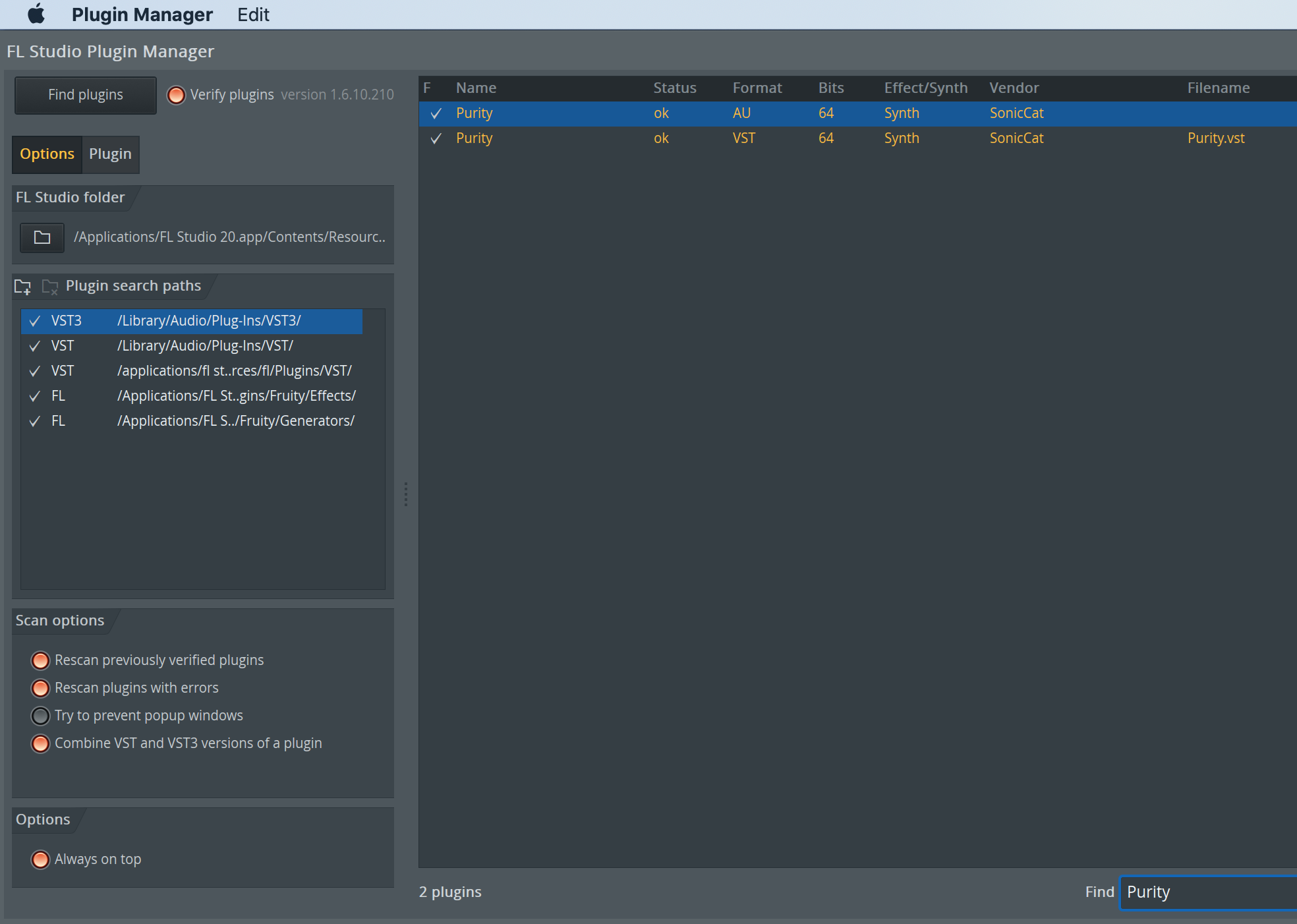
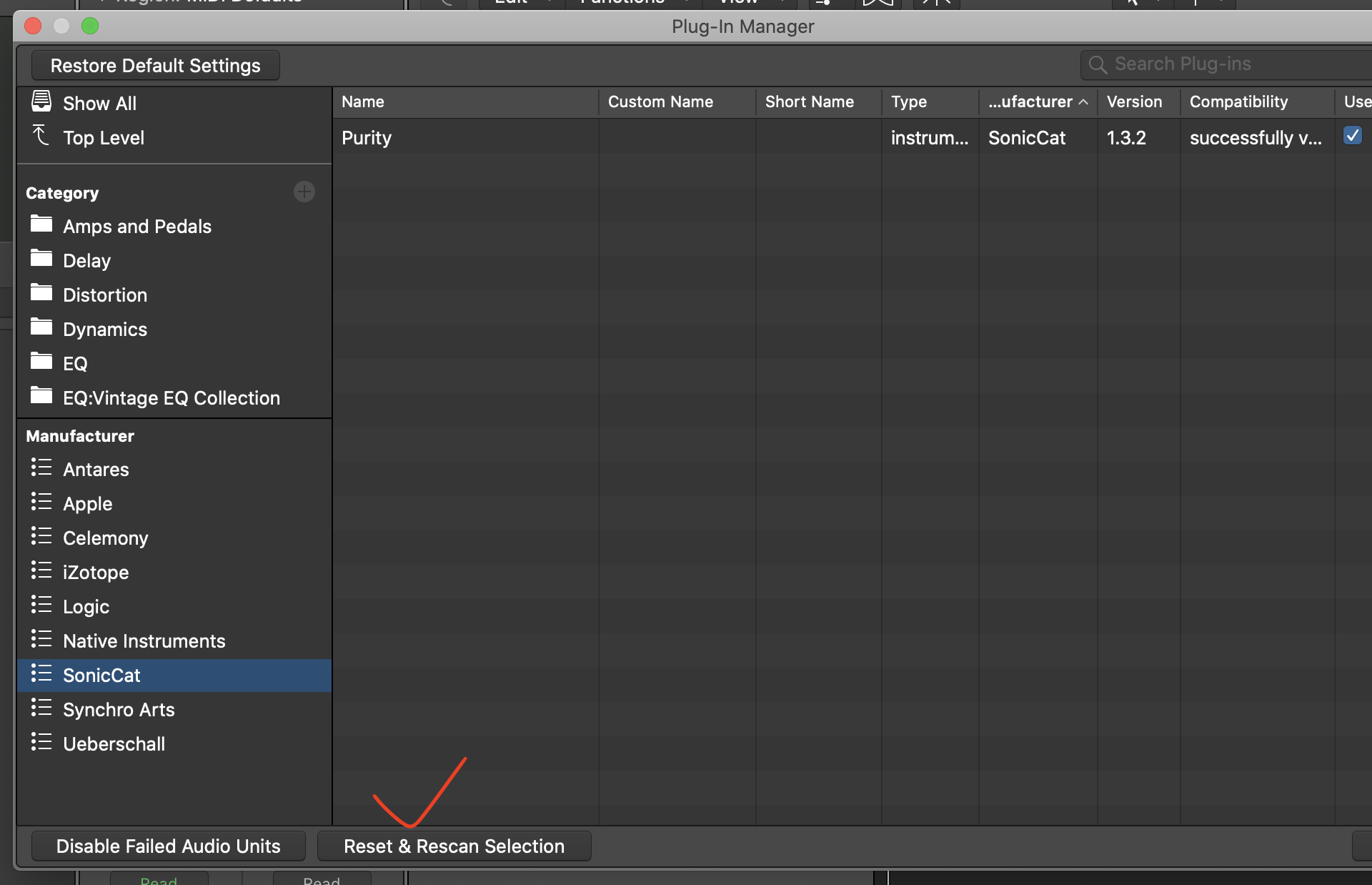
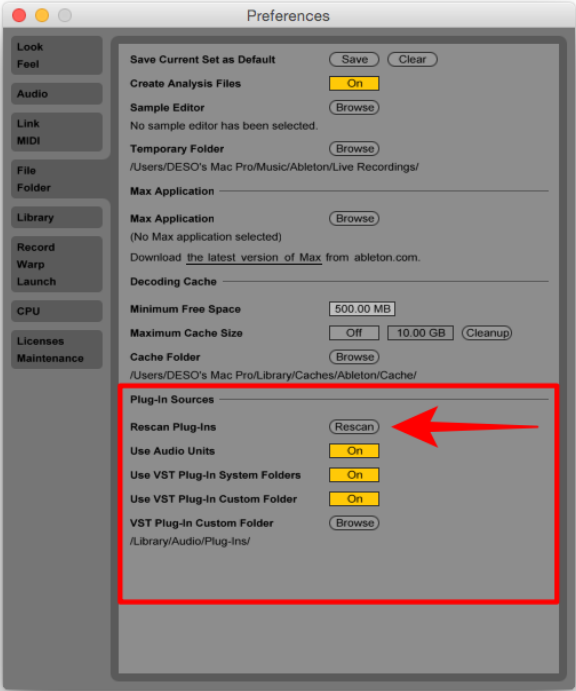
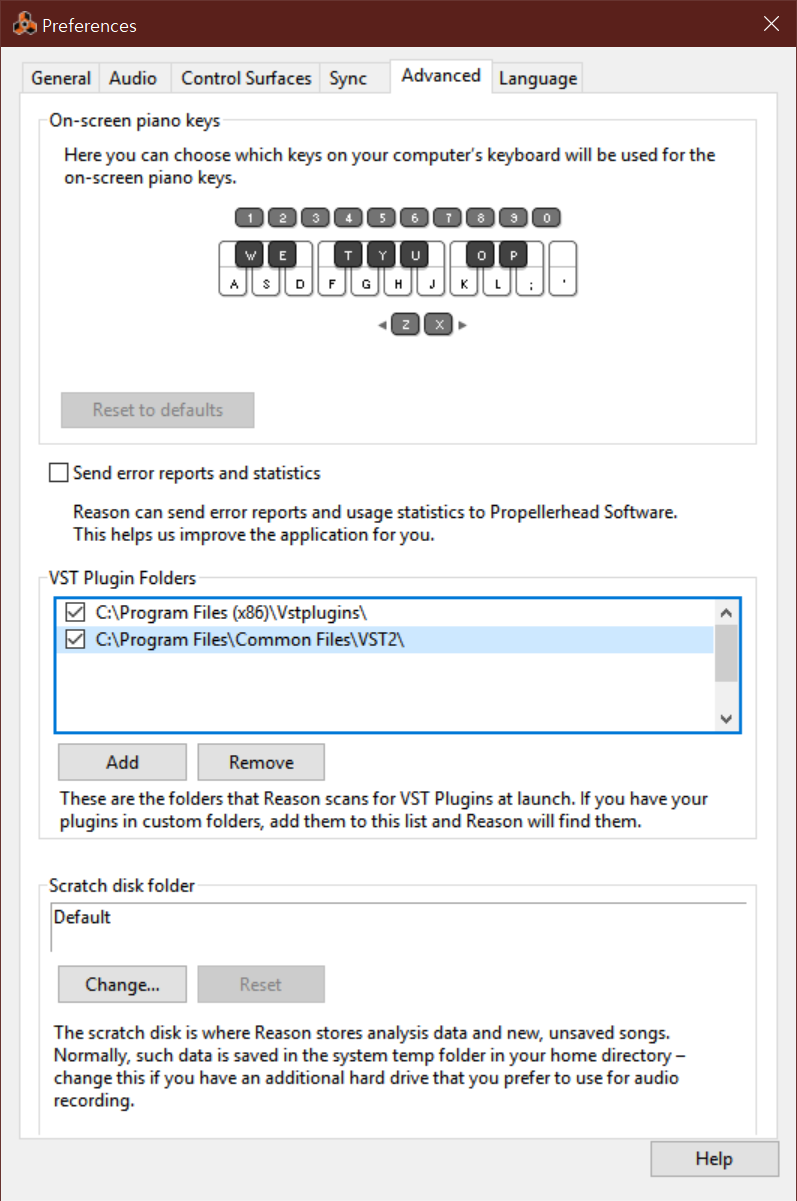
Check Purity in the plugin manager on your DAW
Location of your custom preset
Do you have custom presets .usr file?
If so, move/copy that .usr file into the popup folder after click “ADD” button in the Preset Browser.
This is the popup folder’s directory.
Win: c:useruser nameAppDataRoamingSonicCatPurity
Mac: c:/user/user name/Library/Application Support/SonicCat/Purity
Purity is just plugin on 64-bit Mac
Purity is just plugin for DAW on 64-bit Mac.
Did you install Purity? Then, please load Purity in your DAW,
you will be seen registration window.
